
iPhone display calibration: what it is and why it matters
- 1 day ago
- 8 min read
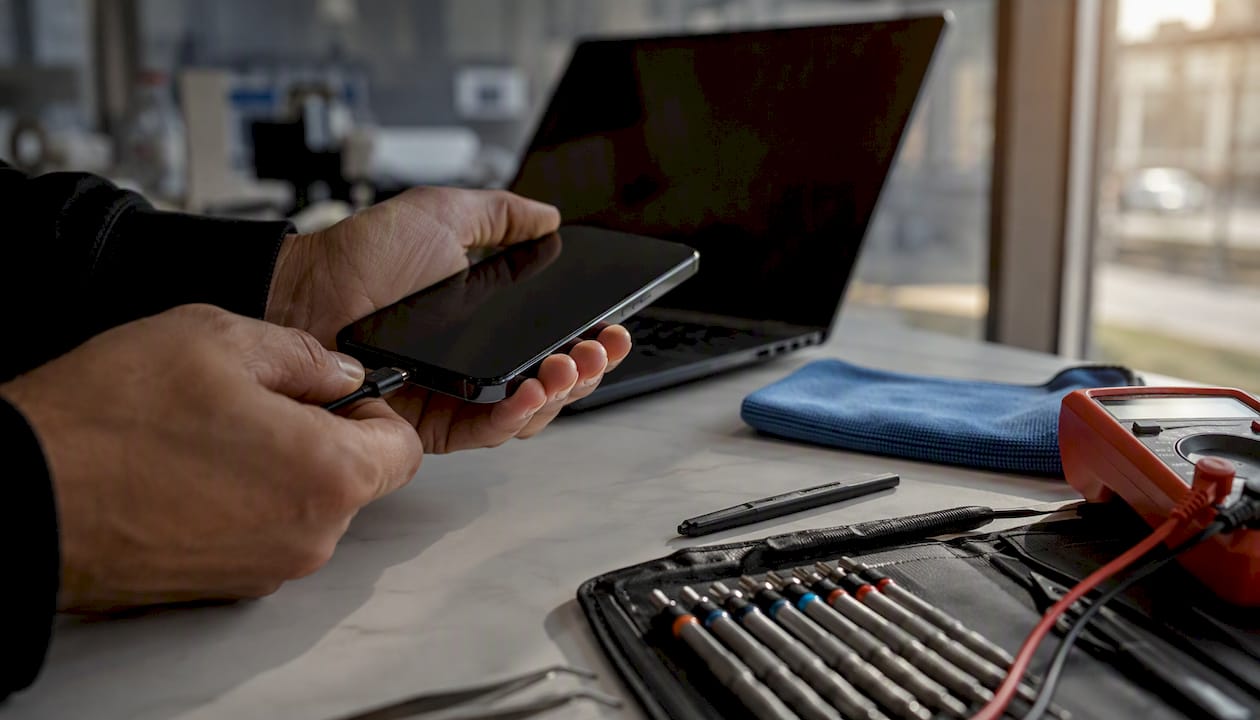
iPhone display calibration is the process of pairing a replacement screen to your device at the system level so that touch, sensors, True Tone, auto-brightness, and biometric features like Face ID all work correctly. Without it, your phone may look fine on the outside but behave oddly in ways that are easy to miss until you know what to check.
Calibration is required in these situations:
After any screen or display replacement, whether done by Apple, an authorised shop, or an independent repairer
When the True Tone toggle disappears from Settings after a repair
When Face ID or Touch ID stops working or becomes unreliable following a screen swap
When auto-brightness behaves erratically or colour looks noticeably yellow, pink, or green
When you experience ghost touches or poor multi-touch response on a new screen
Before you return to your repairer, run these quick checks yourself: go to Settings > Display & Brightness and confirm True Tone and Auto-Brightness are present and toggled on; visit Accessibility > Display & Text Size and check that Colour Filters are switched off; test touch responsiveness across the whole screen. If any of these settings are missing or the screen still feels wrong, calibration is the likely cause.
Key takeaways
iPhone display calibration is the system-level pairing step that restores True Tone, biometric features, and accurate touch response after a screen replacement; skipping it leaves your phone functionally incomplete even if the screen looks fine.
Point | Details |
When calibration is mandatory | After any screen replacement, especially if True Tone, Face ID, or auto-brightness behave incorrectly. |
Apple’s method | Repair Assistant or DisplayCal on a Mac serialises the panel and produces a clear pass/fail result. |
Pro tools have limits | Calman and X-Rite i1 Display Pro correct colour accuracy but cannot restore True Tone or biometric pairing. |
Safe DIY steps | Toggle True Tone, disable Colour Filters, update iOS, and restart; do not attempt unofficial serialisation. |
Rapidrepairsldn | Screen replacements include calibration verification and a functional test completed with the customer present. |
Table of Contents
What does iPhone display calibration actually involve?
Apple’s supported calibration process centres on Repair Assistant, the official tool for completing display repairs. Here is what the workflow looks like in practice:
Stage | What happens | Who performs it |
Connect device | iPhone is connected to a Mac running Repair Assistant or DisplayCal | Apple / AASP technician |
Validate Screen ID | Software reads the replacement panel’s serial and matches it to the logic board | Automated via Apple software |
Run calibration | Calibration data is written to the device; device may be briefly reflashed | Automated, supervised by technician |
Pass/fail check | Green check (pass) or red cross (fail) displayed on screen | Technician reviews and acts |
Functional verification | True Tone, Face ID/Touch ID, proximity sensor and multi-touch tested | Technician confirms with customer |
The Display Calibration Procedure historically required a dedicated Calibration Fixture and specific firmware images, and could take several minutes for screen and proximity calibration. The device could be reflashed during the process, which is why your repairer should back up your data beforehand. Apple has since moved many of these steps into software: authorised technicians can now calibrate many models simply by connecting the device to a Mac running Apple’s diagnostics tools, removing the need for specialised hardware on most recent iPhones.
What calibration actually fixes or restores:
Biometric pairing: Face ID and Touch ID association with the new panel
Multi-touch response: accurate, consistent touch detection across the full display
Proximity sensor: correct screen-off behaviour during calls
True Tone and auto-brightness: ambient light sensor data mapped correctly to the new panel
Colour and white point accuracy: display output matched to Apple’s factory specification
Apple’s display-related service procedures document the conditions under which authorised technicians must run calibration, and Apple Authorised Service Providers (AASPs) follow this workflow as standard. An independent shop that skips Repair Assistant cannot complete the serialisation step, which means some features may remain broken even if the screen looks perfect.
Pro Tip: Ask your repairer specifically whether they ran Repair Assistant or DisplayCal and whether the replacement panel was serialised to your logic board. A confident, specific answer is a good sign; vagueness is not.
Can professional colour tools replace Apple’s calibration?
Tools like Calman with its Patterns workflow and colourimeters such as the X-Rite i1 Display Pro are genuinely useful for display accuracy, but they serve a different purpose to Apple’s system calibration. Understanding the difference saves you from paying for a service that cannot fix your actual problem.
What these tools do well:
Measure the display’s colour output against a reference standard (such as sRGB or DCI-P3)
Adjust white point and colour balance to correct perceived tints
Verify that a correctly paired display is performing within acceptable tolerances
Help photographers and video editors match their iPhone screen to a calibrated monitor
What they cannot do:
Serialise a replacement panel to the logic board (that step requires Apple’s secure software)
Restore True Tone when the pairing step was skipped or failed
Re-establish Face ID or Touch ID association after a display swap
Replace the Apple Repair Assistant workflow for any feature that depends on hardware pairing
The iOS Colour Filters and accessibility tools built into your iPhone can also adjust perceived colour at the software level, and some authorised shops use Calman to verify visual accuracy after a successful Apple pairing. For a consumer who just wants their screen to look right, a Calman check is a useful finishing step, not a substitute for the pairing process itself.
If an independent shop offers “colour calibration” without mentioning Repair Assistant or serialisation, ask directly whether they can restore True Tone. If the answer is no, you may need an AASP or Apple Store for that specific fix.
How to spot a display that still needs calibration after a repair
Most calibration problems show up within the first few minutes of using your phone after a repair. These are the signs to look for:
True Tone toggle missing from Settings > Display & Brightness
Face ID not recognised or prompting repeated setup attempts
Auto-brightness jumping unpredictably or not responding to lighting changes
Colour shifts: a persistent yellow, pink, or green tint that does not clear when you disable Night Shift
Ghost touch: the screen registering taps you did not make
Poor multi-touch: pinch-to-zoom or two-finger gestures feeling sluggish or inaccurate
Run these checks at the counter before you leave the shop:
Settings > Display & Brightness: confirm True Tone and Auto-Brightness are present and active
Settings > Accessibility > Display & Text Size: switch off Colour Filters and Reduce White Point, then reassess the screen colour
Settings > Face ID & Passcode (or Touch ID & Passcode): confirm biometric recognition works
Test multi-touch by pinching and zooming in Photos or Maps
iOS settings like True Tone, Night Shift, and Colour Filters are the most common cause of perceived colour problems after a repair, so disabling them first rules out a simple settings issue before you conclude the calibration failed. Community repair forums, including iFixit answers threads, also highlight loose connectors as a frequent culprit for touch anomalies, so a good shop will re-seat cables before assuming a calibration fault.
Pro Tip: If the True Tone toggle is missing at collection, do not leave without asking the technician to run Repair Assistant. This is a clear sign the serialisation step was not completed, and it cannot be fixed remotely once you walk out.
Can you calibrate your iPhone display yourself?
Some steps are safe to try at home. Others carry real risk of permanent damage.
Safe software checks you can do yourself:
Toggle True Tone and Night Shift off and on via Settings > Display & Brightness
Disable Colour Filters and Reduce White Point in Accessibility > Display & Text Size
Update iOS to the latest version, as some display behaviour bugs are fixed in software updates
Restart or force-restart the device to clear temporary sensor glitches
Reset all settings via Settings > General > Transfer or Reset iPhone > Reset > Reset All Settings (this does not delete your data but resets display and accessibility preferences)
What you should not attempt:
Using unofficial firmware tools or third-party apps that claim to serialise a display panel
Attempting to modify logic-board pairings through undocumented software
Opening the device to re-seat connectors unless you have the correct tools and experience, as improper reassembly can cause further damage
Attempting unofficial serialisation risks permanently losing Face ID, Touch ID, or True Tone, and in some cases can brick the device entirely. The repair community guidance is consistent on this: software-level fixes are safe for consumers; anything involving panel serialisation belongs with an authorised or experienced professional shop.
Try the simple software checks first. If True Tone is still missing or Face ID remains broken after a reboot and an iOS update, return to your repairer.
How Rapidrepairsldn handles display calibration
At Rapidrepairsldn, every screen replacement includes a structured post-repair calibration check as standard. Here is what that looks like in practice:
The device is connected to authorised diagnostic software to verify the Screen ID and confirm serialisation
Repair Assistant or DisplayCal is run to write calibration data and produce a pass/fail result
True Tone, Face ID or Touch ID, proximity sensor, and multi-touch are each tested before the device is handed back
A functional test is completed with the customer present so you can see the results yourself
We keep a record of the diagnostic session, and you are welcome to ask for a screenshot of the green pass screen before you leave. If a repair produces a red fail indicator, we investigate the cause before returning the device.
For ghost touch issues or Face ID problems that appear after a screen replacement, our technicians run connector checks and re-seat cables as a first step, since a loose connection is often the cause before a calibration fault is confirmed.
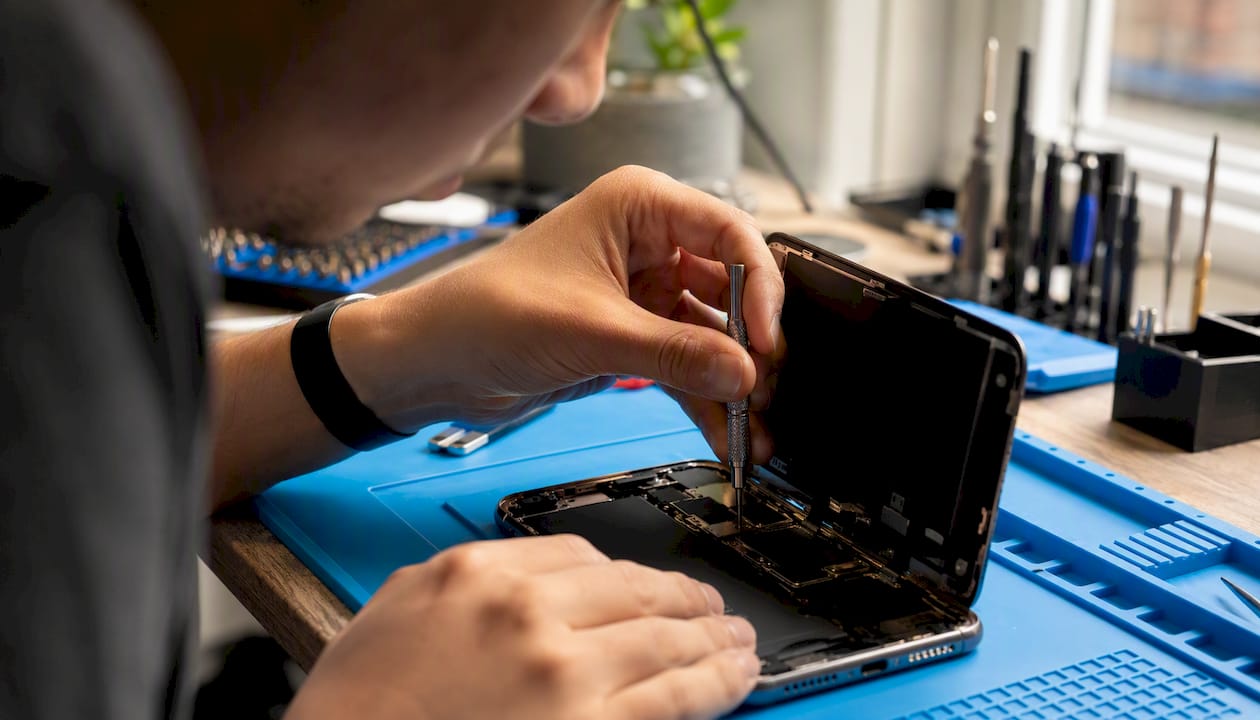
Pro Tip: When you collect your repaired iPhone, ask the technician to demonstrate True Tone and Face ID at the counter before you sign off on the repair. Any reputable shop will do this without hesitation.
A technician’s perspective on post-repair calibration
The most common calibration problem we see at Rapidrepairsldn is a missing True Tone toggle after a screen replacement done elsewhere. Customers often assume it is a settings issue and spend time searching through menus, when the real cause is that the replacement panel was never serialised to the logic board. Once that step is missed, no amount of toggling settings will bring True Tone back.
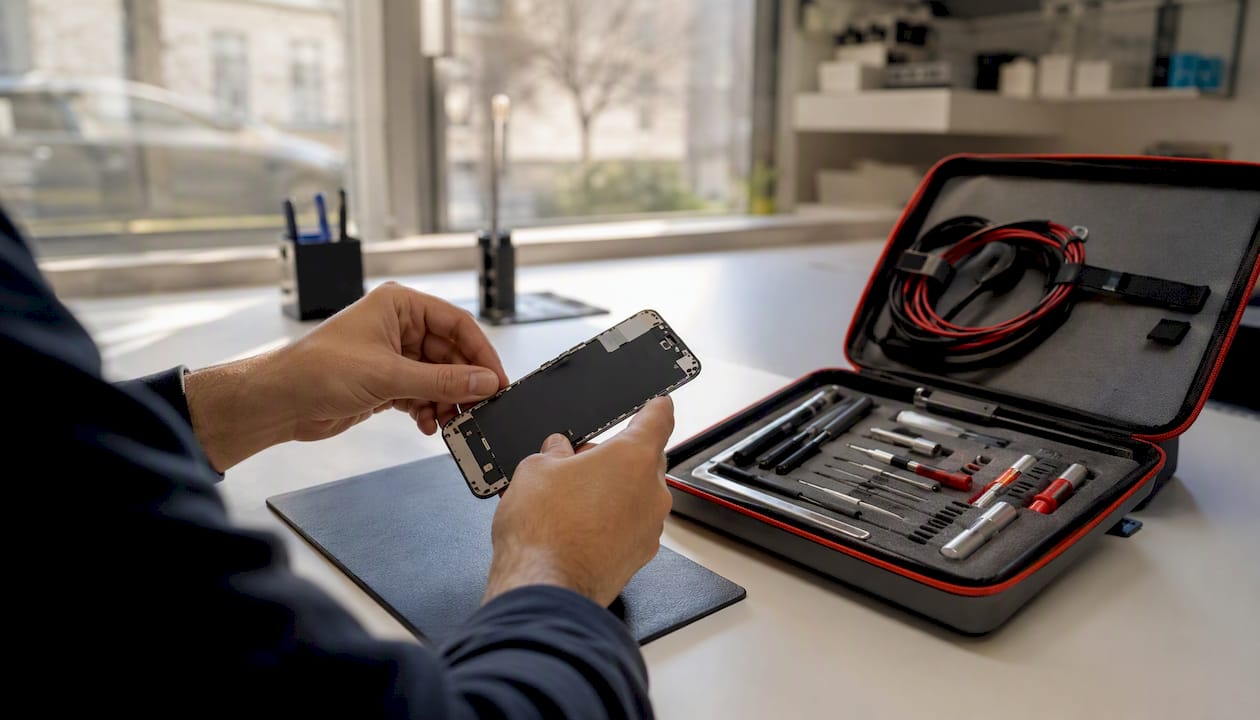
The second most common issue is a colour tint that turns out to be Night Shift or Colour Filters left on from before the repair. That one takes about ten seconds to fix. Knowing which problem you are dealing with saves time and money.
If any sensor, biometric, or colour behaviour is off after a repair, bring the device back for a recheck. A good shop will not charge you for investigating a calibration fault on work they completed.
Rapidrepairsldn: screen repairs with calibration included
When your iPhone screen is replaced at Rapidrepairsldn, calibration is part of the service, not an add-on. You get in-shop diagnostics, Repair Assistant verification, and a post-repair functional test covering True Tone, Face ID, and multi-touch, all completed before your phone leaves the counter.
Turnaround for most screen replacements is the same day. Calibration checks are included with screen replacements where the hardware supports it. If you have already had a repair elsewhere and something still feels wrong, bring the device in for a diagnostic check. We will run the calibration tool, identify whether the issue is a settings problem or a missing serialisation, and advise you on the fix.
Book online, call us, or drop in to our north London shop. Visit the Rapidrepairsldn iPhone repair page to check availability and get started.
Sources
The sources below cover Apple’s official procedures, historical calibration documentation, and practical guidance for consumers and technicians.
Recommended
Comments