
Phone repair in archway: fast fixes near you
- 1 day ago
- 7 min read
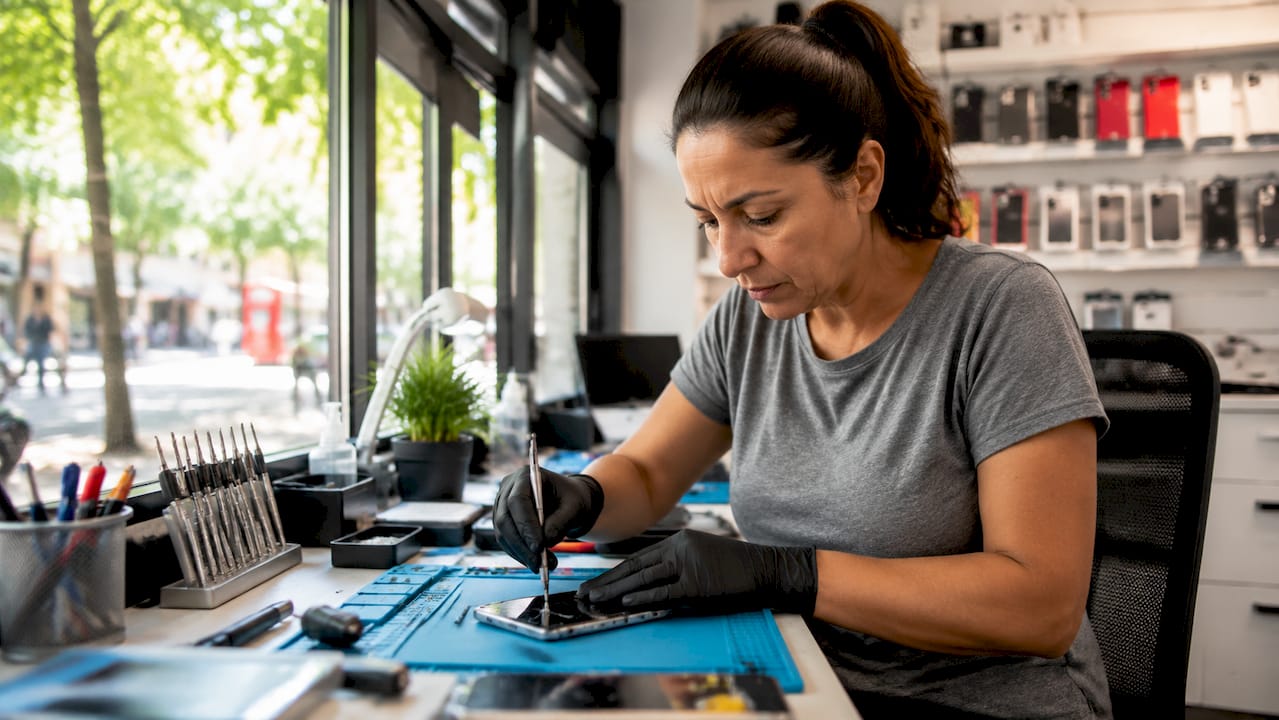
Phone repair in Archway covers everything from cracked iPhone screens to water-damaged Samsung devices, battery replacements, and charging port faults across a wide range of brands. Rapidrepairsldn serves residents, daily commuters, students, and local professionals who need their devices fixed quickly and reliably. With Archway station on the Northern line sitting at the heart of one of North London’s busiest transit corridors, getting a device repaired between journeys is not just convenient. It is genuinely practical.
What repairs are available in archway?
Screen damage, battery failure, and charging port faults are the most common repair needs among Archway residents and commuters. These three issues account for the vast majority of devices brought in for assessment, and all three can typically be resolved the same day.
Here is a breakdown of the core repair categories:
Screen replacement for cracked or unresponsive displays on iPhones, Samsung Galaxy phones, iPads, and MacBooks
Battery replacement for devices that no longer hold charge, shut down unexpectedly, or swell
Charging port repair for phones and laptops that fail to charge or connect intermittently
Water damage restoration involving internal cleaning, component drying, and circuit board assessment
Motherboard repair for more complex faults including power failures and software-linked hardware issues
Professional repair is almost always the better choice over DIY attempts. Opening a modern iPhone 15 or Samsung Galaxy S24 without the right tools risks damaging the display assembly, flex cables, or waterproofing seals. A skilled technician can complete a screen replacement in under an hour. A botched DIY attempt can turn a £80 fix into a £300 replacement.
Pro Tip: Ask your repair provider for a free diagnostic before committing to any repair. A reputable shop will assess your device and give you a clear cost estimate before touching it.

Turnaround times matter enormously in a commuter area. Many repairs at Rapidrepairsldn are completed while you wait, which suits the rhythm of people travelling through Archway on the Northern line.
How are iPhone and samsung repairs handled locally?
iPhone and Samsung repairs each present distinct challenges, and knowing the difference helps you choose the right provider.
Feature | iPhone Repairs | Samsung Repairs |
Common faults | Screen cracks, battery drain, Face ID issues | Screen cracks, charging port faults, back glass damage |
Parts availability | Requires Apple-compatible genuine or OEM parts | Wide range of aftermarket and OEM parts available |
Repair complexity | High on newer models (iPhone 15, 15 Pro) | Varies; Galaxy S series more complex than A series |
Typical turnaround | 30–90 minutes for screen or battery | 30–60 minutes for most common repairs |
Warranty on repair | Should be offered by reputable shops | Should be offered by reputable shops |
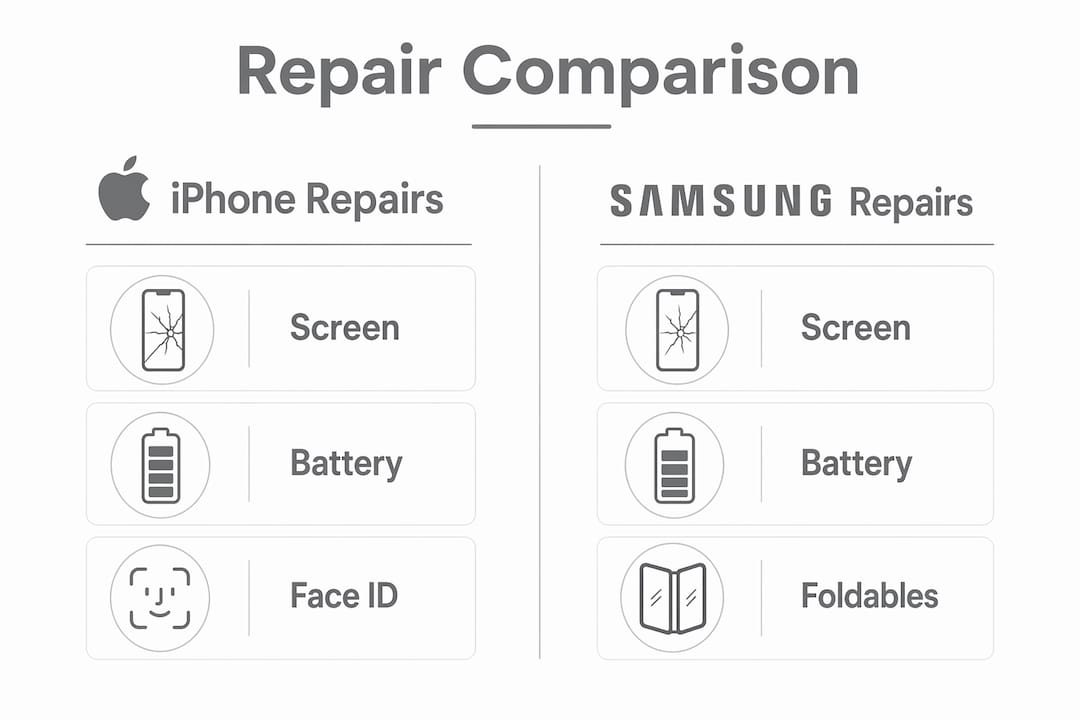
iPhone repairs require particular care. Apple’s newer models use OLED displays bonded directly to the frame, meaning a poor-quality screen replacement will show colour distortion or reduced touch sensitivity. Rapidrepairsldn uses high-quality compatible parts to preserve display performance on models including the iPhone 13, 14, and 15 series.
Samsung repairs vary significantly by model. A Galaxy A54 screen replacement is straightforward. A Galaxy Z Fold repair is a specialist job requiring experience with folding display technology. Knowing your exact model number before you visit saves time and helps the technician prepare the right parts.
Genuine parts and transparent pricing are the two factors that most reliably build customer trust in a competitive repair market. Always ask whether the parts used are OEM or aftermarket, and what warranty comes with the repair.
What MacBook and iPad repairs are available?
MacBook and iPad repairs in the local area cover the most common faults that affect these devices in everyday use.
For MacBook laptops, the most frequent issues include:
Cracked or dead screens (common on MacBook Air M1, M2, and MacBook Pro 13-inch models)
Battery swelling or rapid discharge, particularly on older Intel-based MacBooks
Keyboard faults, including sticky or unresponsive keys on butterfly mechanism models
Charging port failures on USB-C and MagSafe connectors
For iPad devices, typical repairs include:
Screen replacements for iPad Air, iPad Pro, and standard iPad models
Charging port repairs for Lightning and USB-C connectors
Battery replacements for devices that no longer last through a full day
Pro Tip: Back up your MacBook to Time Machine or iCloud before bringing it in for repair. Most screen and battery jobs do not affect your data, but a backup removes any risk entirely.
Rapidrepairsldn handles iPad screen and battery repairs as well as iPad Pro repairs and iPad Air servicing. Turnaround on most iPad screen replacements is the same day. MacBook repairs may take slightly longer depending on parts availability, but most common jobs are completed within 24–48 hours.
How should you prepare your device for repair?
Preparing your device properly before a repair visit saves time and protects your data. Follow these steps before dropping off any phone, tablet, or laptop.
Back up your data. Use iCloud, Google Drive, or a local backup via iTunes or Finder. This protects photos, contacts, and app data regardless of what happens during the repair.
Note your symptoms clearly. Write down when the fault started, what triggers it, and whether it has got worse over time. This helps the technician diagnose the issue faster.
Remove your SIM card and memory card. These are small and easy to misplace during a repair. Keep them safe at home.
Disable Find My iPhone or Google’s device protection. Some repairs require the device to be powered on and off. Activation locks can prevent this and delay your repair.
Ask about warranty upfront. A trustworthy repair shop will offer at least a 30-day warranty on parts and labour. Ask before you agree to any work.
Identifying the fault early also helps. A screen that flickers but still responds to touch suggests a display connector issue rather than full screen failure. A phone that charges slowly but charges consistently points to a dirty charging port rather than a battery fault. These distinctions affect cost and repair time.
Which areas near archway are covered?
Rapidrepairsldn serves customers from across the surrounding area, not just those who live directly on Archway Road.
Area | Connection to Archway | Typical Customers |
Holloway | Short walk or bus along Holloway Road | Families, students, local workers |
Highgate Hill | Walking distance north of Archway station | Professionals, homeowners |
Junction Road | Directly adjacent to Archway | Daily commuters, small business owners |
Tufnell Park | One stop south on the Northern line | Young professionals, renters |
Finsbury Park | Nearby via bus or short drive | Students, commuters, retail workers |
Archway station sits in fare zones 2 and 3 on the Northern line (High Barnet branch), with trains running every 3–7 minutes between 05:58 and 00:19. That frequency means customers from Tufnell Park, Highgate, and East Finchley can reach a repair shop near the station within minutes. The station recorded approximately 7.03 million passengers in 2024, which reflects just how much foot traffic passes through this part of North London every year.
Repair shops near landmarks such as Vantage Point and Archway Library are easiest to find for first-time visitors. These landmarks sit close to the main pedestrian routes from the station exit, making them natural reference points. For customers coming from Finsbury Park or Islington, the journey to Archway is straightforward by tube or bus.
Key takeaways
Fast, professional device repair in Archway is most reliable when you choose a local specialist offering same-day service, genuine parts, and a clear warranty on all work.
Point | Details |
Common repairs covered | Screen, battery, charging port, and water damage are all handled same day in most cases. |
Brand-specific expertise | iPhone and Samsung repairs require different parts and skills; always confirm model compatibility before visiting. |
MacBook and iPad service | Most screen and battery repairs for Apple laptops and tablets complete within 24–48 hours. |
Prepare before you visit | Back up data, disable device locks, and note your symptoms to speed up the repair process. |
Location advantage | Archway’s Northern line access and 7.03 million annual passengers make it one of North London’s most accessible repair hubs. |
Why local repair in archway makes more sense than you think
I have seen a lot of customers walk in having already tried a postal repair service or a large chain, and the story is usually the same. The turnaround was slower than promised, the parts were lower quality than expected, or the warranty was harder to claim than advertised.
What works in Archway is proximity and accountability. When a repair shop is a five-minute walk from your tube exit, the technician has a direct incentive to do the job properly. You can come back. You can ask questions face to face. That dynamic simply does not exist with a postal service.
The commuter patterns around Archway station also shape what good service looks like here. People are not willing to leave a device for three days. They want it fixed while they grab a coffee or run an errand. Shops that align their hours and service speed with peak commuting windows genuinely outperform those that operate like traditional repair centres.
My honest advice: choose a shop that offers a free diagnostic, quotes you a price before starting, and gives you a written warranty. Those three things separate a trustworthy local technician from one who is just filling a gap in the market.
— Joshua
Get your device fixed at Rapidrepairsldn
Rapidrepairsldn offers fast, reliable repairs for iPhones, Samsung phones, MacBooks, and iPads near Archway station. Whether your screen is cracked, your battery is failing, or your charging port has stopped working, the team handles it with quality parts and a clear warranty on every job.
The shop is easy to find near Vantage Point and Archway Library, right on the main pedestrian route from the station exit. Book online or walk in for a free diagnostic. For iPhone repairs or laptop servicing, Rapidrepairsldn is the local specialist North London residents and commuters rely on.
FAQ
How long does a phone screen repair take in archway?
Most screen replacements for iPhones and Samsung phones are completed within 30–90 minutes. Rapidrepairsldn offers while-you-wait repairs for the most common models.
Does Rapidrepairsldn offer a warranty on repairs?
Yes. Repairs at Rapidrepairsldn come with a warranty covering parts and labour. Ask the technician for the specific warranty period when you book your repair.
Can water-damaged phones be repaired locally?
Water damage repair is available and involves internal cleaning and component assessment. Success depends on how quickly the device is brought in after exposure, so act fast.
Which device brands are repaired near archway station?
Rapidrepairsldn repairs Apple iPhones, Samsung Galaxy phones, MacBook laptops, and iPads, covering a wide range of models across each brand.
Do i need to book in advance for a repair?
Walk-ins are welcome for most common repairs. Booking ahead is recommended for MacBook repairs or less common models to confirm parts availability before your visit.
Recommended
Comments