
iPhone battery replacement cost in the UK: what you'll pay in 2026
- 13 hours ago
- 12 min read
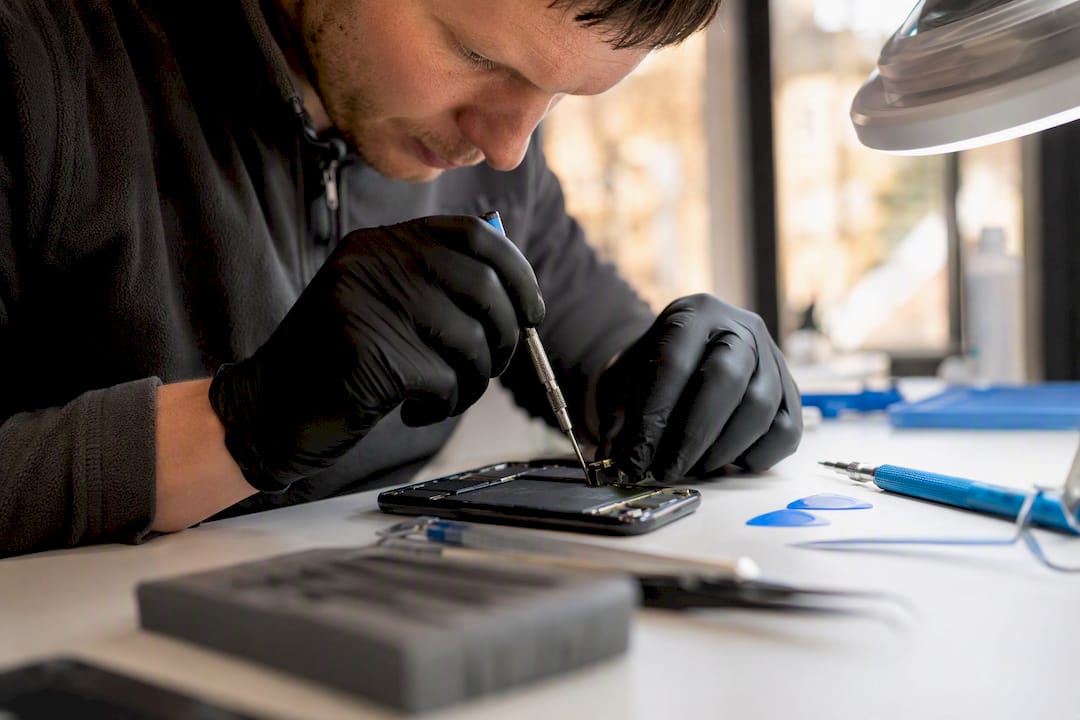
Most UK iPhone owners pay between £40 and £99 for a professional battery replacement, depending on model and battery quality tier, while Apple’s official out-of-warranty fee sits higher but guarantees genuine parts. For most people, a reputable local specialist such as Rapid Repairs LDN offers the best balance of price, warranty and turnaround. AppleCare+ covers the swap for free only if your battery’s maximum capacity has dropped below 80%.
TL;DR:
Third-party shops usually charge between £40 and £99 for a battery replacement, with prices varying based on model age and battery quality tier.
Replacing an iPhone battery under AppleCare+ is free if the maximum capacity falls below 80%, but otherwise costs the official out-of-warranty fee, which has increased over time.
DIY kits can cost around $30 to $60 but carry risks of damage, voiding warranty, and a lack of water resistance restoration, making them less suitable for current models.
The final price depends heavily on model generation, battery quality (budget versus premium), and the inclusion of diagnostic and fitting costs.
Reputable local shops often provide same-day service with warranties between 90 days and two years, offering a balanced alternative to Apple or DIY options.
Table of Contents
iPhone battery replacement cost: what you’ll pay across Apple, third-party and DIY
How do you choose between Apple, an authorised provider and a local shop?
How long does a battery replacement take, and what warranty should you expect?
What does a battery replacement cost for your specific iPhone model?
Get your iPhone battery replaced properly, without the Apple price tag
iPhone battery replacement cost: what you’ll pay across Apple, third-party and DIY
Three routes exist for replacing a failing iPhone battery, and each sits at a different point on the price and risk scale. Apple’s own service is the most expensive but comes with guaranteed genuine parts and a warranty backed by the manufacturer. Third-party repair shops sit in the middle, often matching Apple’s quality at a lower price. DIY kits are cheapest on paper but carry costs that don’t show up on the receipt.
Apple’s official battery service page lists out-of-warranty fees by model in the UK, and these prices have crept up with each new iPhone generation as batteries have grown larger and more complex to fit. If your handset is still under AppleCare+, the replacement is free provided your Battery Health has fallen below the 80% maximum capacity threshold. Above that, you pay the standard out-of-warranty rate regardless of AppleCare+ status.
Independent pricing surveys show UK third-party shops commonly charging between roughly £40 and £99, with the spread driven mainly by model age and the quality tier of replacement battery fitted. Budget options use cheaper cells that may not hold charge as reliably; premium options use higher-grade batteries that behave closer to the original part.
DIY kits sit at the bottom of the price scale but need careful reading of what’s actually included. iFixit’s documentation shows kits typically priced from around $30 to $60, depending on model, with some bundles including the tools and adhesive strips you’ll need and others selling the battery alone.
Repair route | Typical UK price band | What’s included |
Apple official service | Official out-of-warranty fee (model-specific) | Genuine battery, Apple warranty, diagnostics |
Reputable third-party shop | £40 to £99 | Battery, labour, resealing, shop warranty |
DIY kit | Roughly $30 to $60 (battery/tools) | Battery only, or battery plus tools and adhesive |
A few things shift these numbers in practice:
Older, discontinued models can see wider price swings if parts are getting scarce.
Pro and Pro Max variants generally cost more to service than standard models across all three routes.
Some third-party quotes bundle a diagnostic check into the price; others charge it separately if you decline the repair.
What determines the final cost of a battery swap?
The headline price you see quoted rarely tells the whole story. Model generation matters most: a battery for an iPhone 11 is cheaper to source and fit than one for an iPhone 15 Pro Max, partly because of size and partly because newer batteries integrate more tightly with the logic board and require more careful handling.
Battery quality tier is the second big variable. Shops typically stock at least two grades, a budget cell and a premium one, and the difference isn’t just marketing. A small premium at purchase time tends to reduce callbacks and stretches out the months of reliable use you get before capacity drops again. If a quote seems unusually cheap, ask which tier of battery is being fitted.
Labour, adhesive strips, and diagnostic checks all sit inside a proper quote, even when they’re not itemised separately. A careful technician removes the old adhesive without damaging the flex cables underneath, applies fresh adhesive to maintain the seal, and runs a post-repair check. If your phone has other issues, such as a bent chassis or a damaged charging port, a decent shop will flag it before starting work rather than after.
Then there’s the paperwork side of pricing: VAT should already be included in any quote you’re given, and some shops charge a small collection or drop-off fee if they operate a postal service rather than a walk-in counter. A transparent quote breaks out the battery cost, labour, and any extras, so you’re not guessing what you’re actually paying for.
Pro Tip: Always ask what happens if the technician finds a second fault mid-repair. A trustworthy shop calls you before doing extra work, not after it lands on the invoice.
Bullet-point summary of what moves the price:
Model generation and part scarcity
Battery quality tier (budget vs premium cell)
Labour, adhesive, and diagnostic time
Any additional repairs uncovered during the job
VAT and collection/drop-off fees, where they apply
How do you know when to replace your iPhone battery?
Battery Health is the first place to look, and it’s tucked away in Settings under Battery, then Battery Health & Charging. Apple’s own guidance treats 80% maximum capacity as the line where a battery is considered worn enough to affect daily use, and it’s also the threshold AppleCare+ uses to decide whether a replacement is free.
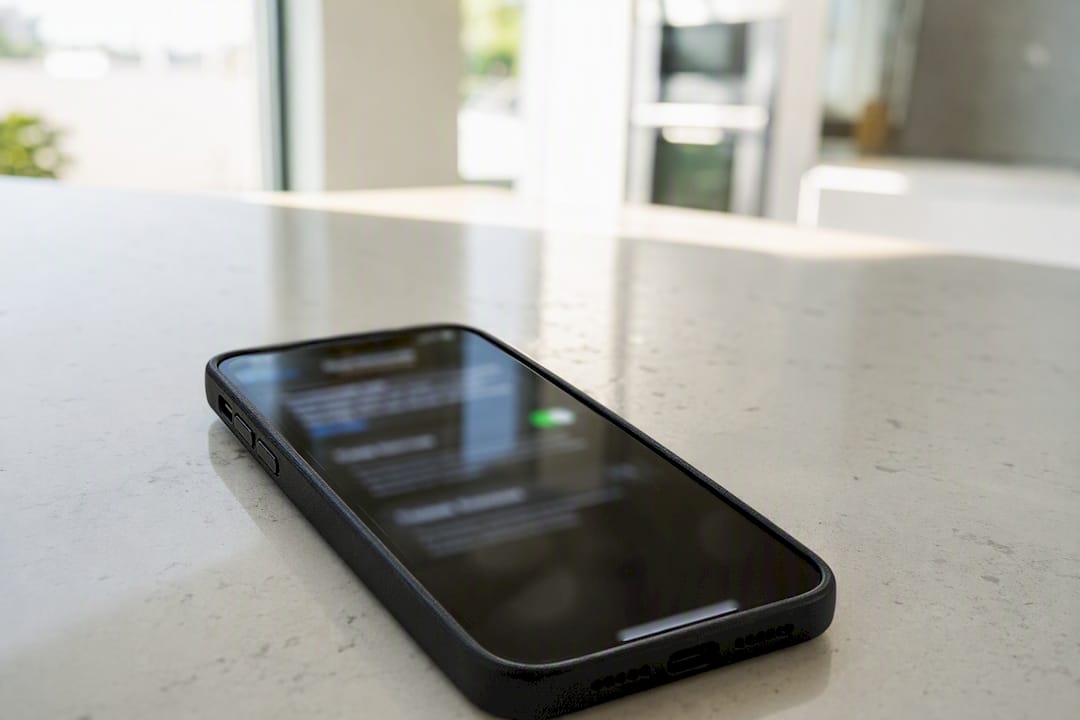
But the percentage alone doesn’t tell the whole story. Technicians commonly see users with a Battery Health reading above 80% who are still experiencing real problems: random shutdowns, sudden drops in charge mid-afternoon, or a phone that only stays on while plugged into a charger. These symptoms point to a battery that’s degrading faster than the percentage suggests, and they’re worth acting on regardless of what the number says.
It’s also worth ruling out temporary causes before booking a replacement. Cold weather genuinely reduces battery performance for a few hours, and a recent iOS update can cause short-term drain spikes while background indexing finishes. If the problem persists across different conditions and over several days, that’s a real signal rather than a blip.
A short checklist for deciding:
Check Battery Health and note the maximum capacity percentage.
Track whether shutdowns or rapid drain happen consistently, not just once.
Test the phone across a normal day, not just in the cold or right after an update.
If symptoms persist for more than a week, book a diagnostic check rather than guessing.
If Battery Health has fallen below 80% and you have AppleCare+, book straight through Apple for the free swap.
For a deeper look at what the percentage actually measures, our guide on iPhone battery health and Peak Performance Capability walks through the underlying mechanics.
Are DIY battery kits actually worth the savings?
DIY kits look tempting on price alone. iFixit’s kit pricing sits in the $30 to $60 range for most models, well under any professional quote, but the real saving narrows once you factor in tools, adhesive, time, and the risk of getting it wrong.
The practical risks are worth taking seriously. Opening an iPhone risks damaging the delicate flex cable that connects to the Face ID sensor, and a slip here can turn a battery job into a much more expensive repair. DIY replacement also breaches the factory adhesive seal that keeps water out, and matching that IP rating at home is genuinely difficult without the right adhesive and curing process. Attempting the repair yourself also voids any remaining Apple warranty on the device.
DIY tends to make more sense for an older handset with low resale value, where you’re comfortable with basic electronics work and the phone isn’t going to see much use in wet conditions afterwards. It makes far less sense for a current-generation iPhone still under warranty, or for anyone who relies on their phone being genuinely splash resistant.
If you do go ahead:
Use a proper kit that includes fresh adhesive strips, not just the battery.
Work on a clean, static-free surface with the correct screwdriver bits.
Dispose of the old lithium battery through a proper recycling point, never in general waste.
Photograph each step before removing screws, so reassembly is straightforward.
Pro Tip: If your phone still has any residual warranty left, check the terms before opening the case. A DIY attempt can void cover that would otherwise have paid for a proper repair.
For a fuller picture of what a professional service protects that DIY can’t, see our breakdown of the benefits of professional iPhone repair.
How do you choose between Apple, an authorised provider and a local shop?
Picking the right route comes down to a handful of concrete criteria rather than gut feeling. Run through these before booking anything:
Genuine or equivalent parts. Ask directly what brand or tier of battery is being fitted.
Warranty length. Anything under 90 days is thin; a year or more is a strong signal of confidence in the work.
Turnaround time. Same-day service matters if you rely on your phone for work.
Price transparency. A full quote should separate parts, labour, and any extras.
Technician credentials and premises. A shop with a physical address and visible reviews is easier to hold accountable than a postal-only outfit.
When you call or request a quote online, ask what battery brand they use, what warranty covers, and what testing happens after the swap. A shop that checks charging behaviour and Peak Performance Capability after fitting a new battery is doing the job properly.
Watch for a few warning signs:
A price dramatically below every other quote you’ve received.
No listed shop address or contact number beyond a mobile.
A vague or verbal-only warranty with nothing in writing.
Pressure to agree to extra repairs before any diagnostic has been run.
Apple or an authorised provider makes the most sense if your phone is under warranty, you have AppleCare+, or you specifically want Apple-branded parts on record for resale purposes. A reputable local shop, such as Rapid Repairs LDN, tends to suit everyone else better: faster turnaround, competitive pricing, and a shop you can walk into if something isn’t right afterwards.
How long does a battery replacement take, and what warranty should you expect?
Turnaround varies by route but not by much. Most reputable local shops in the UK offer same-day service for a standard iPhone battery swap, assuming the part is in stock, while some queue jobs into a next-day slot during busy periods. Apple’s own service can take longer if the fix requires posting the device in rather than visiting a store.
Same-day: the norm for common models at a well-stocked local shop.
Next-day: likely if a specific model’s battery needs ordering in.
Up to three days: typical for postal services or less common models.
Warranty coverage on a battery replacement typically runs from 90 days at the lower end to as much as two years at reputable shops and through Apple’s own service, covering the battery itself and any fault directly caused by the repair. Keep your receipt and any diagnostic printout, since these form the basis of a claim if problems appear afterwards. If your phone develops charging issues or unexpected shutdowns within the warranty period, go back to the same shop first rather than seeking a second opinion elsewhere. For a broader sense of what affects repair timing generally, our guide to iPhone repair turnaround time factors covers the variables that can stretch a job beyond the usual window.
What does a battery replacement cost for your specific iPhone model?
Exact pricing always depends on shop diagnostics, but rough bands help you budget before you call around. Older handsets like the iPhone X and iPhone 11 sit at the cheaper end of both the Apple and third-party scales, since parts are more widely available and the battery itself is smaller. Mainstream models from the iPhone 12 through iPhone 14 range sit in the middle, and current-generation models from the iPhone 15 through iPhone 17 family command the highest prices on both official and third-party routes, driven by larger batteries and tighter integration with the internal chassis.
iPhone family | Apple official fee band | Typical third-party band |
iPhone X / 11 | Lower official tier | Lower end of £40 to £99 |
iPhone 12 to 14 | Mid official tier | Mid range of £40 to £99 |
iPhone 15 to 17 | Higher official tier | Upper end of £40 to £99, sometimes above |
These bands are a starting point, not a quote. Exact pricing depends on your specific model variant (standard, Plus, Pro, or Pro Max), the battery quality tier you choose, and whatever a shop’s diagnostic turns up once they’ve had the device on the bench. For a closer look at how pricing shifts between specific models, our guide to iPhone model repair cost differences breaks the variation down further.
Battery quality remains the biggest lever within any given model band. A shop offering both a budget and premium cell for the same iPhone is giving you a genuine choice between upfront saving and longer-term reliability, not just upselling.
Why professional repair beats DIY for most UK iPhone owners
Rapid Repairs LDN’s approach to battery replacement centres on the parts of the job that are hardest to see from the outside: proper diagnostics before opening the case, careful adhesive removal that protects the flex cables around Face ID, and resealing that aims to restore the phone’s original water resistance rather than leave it compromised. A quality battery is only half the job; fitting it without damaging anything else is the other half.
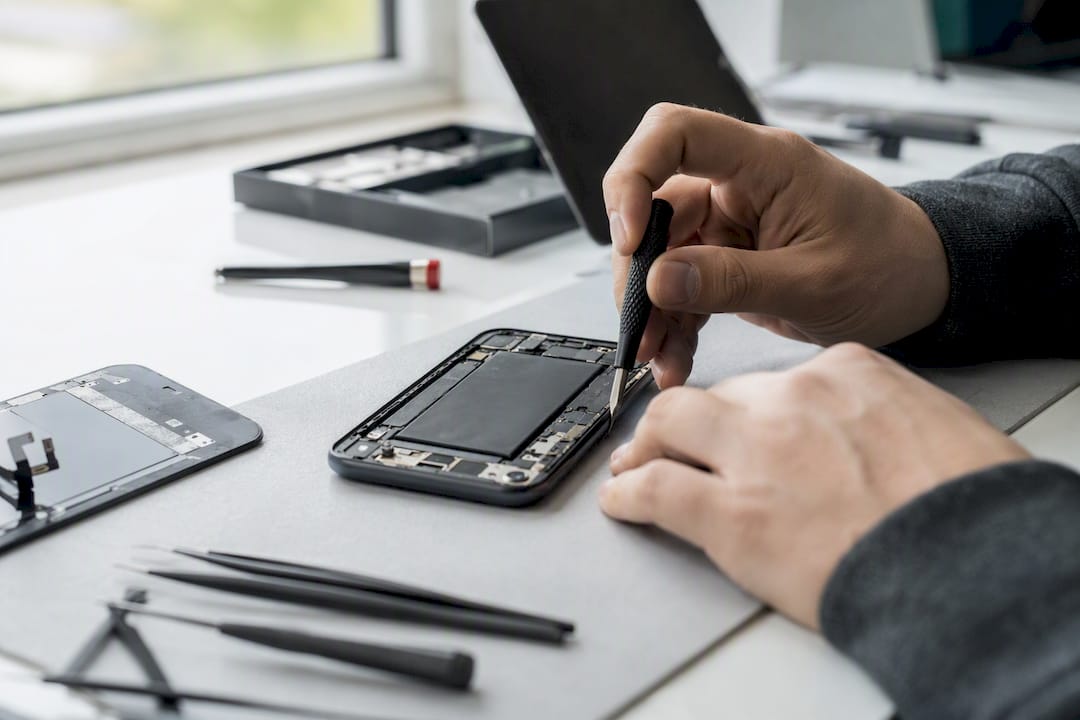
After a swap, the phone goes through post-repair checks covering charging behaviour and reported maximum capacity, the same kind of verification a DIY kit skips entirely. That’s the gap between a battery that’s technically replaced and one that’s replaced properly.
There are cases where Rapid Repairs LDN would point a customer elsewhere. If a phone is still comfortably under Apple warranty or AppleCare+ with capacity below 80%, going straight to Apple is the free, sensible option. DIY only gets recommended for an old, low-value handset where the owner understands and accepts the risks.
What should you do after your battery has been replaced?
A fresh battery needs a short settling-in period before it reports accurate numbers.
Check Battery Health a few days after the repair rather than immediately. It can take a cycle or two for the reported maximum capacity to settle at its true figure, and checking too early sometimes shows a slightly inflated or unstable number.
A few habits help any new battery last longer:
Avoid leaving the phone at 0% or 100% for extended periods; keeping it roughly between 20% and 80% day to day reduces long-term wear.
Avoid charging in direct sunlight or leaving the phone in a hot car, since heat degrades battery chemistry faster than normal use does.
Update iOS when prompted, since Apple periodically ships battery management improvements alongside other fixes.
If you’re relying on a power bank between charges while travelling, a reliable fast-charging power bank reduces the number of full charge cycles your new battery goes through in a day.
Keep an eye on performance over the following month. A properly fitted battery shouldn’t cause any new symptoms, so if shutdowns or drain issues return quickly, that points to either a fitting problem or an unrelated fault worth a follow-up diagnostic.
A local repair specialist’s honest take
Most people overthink this decision. For everyone else, a reputable local shop beats both Apple’s standard pricing and a DIY kit on almost every practical measure that matters: turnaround, warranty, and the quality of the actual fitting work. The DIY saving looks bigger on paper than it is once you account for tools, risk, and the chance of turning a £50 job into a much costlier one. If you’re unsure which category you fall into, get a proper diagnostic before deciding. Rapid Repairs LDN offers exactly that.
— Joshua
Get your iPhone battery replaced properly, without the Apple price tag
Rapid Repairs LDN gives you a genuine middle ground between Apple’s official fee and the uncertainty of a DIY kit: a proper diagnostic check, a choice of battery quality tiers, careful resealing to protect water resistance, and a shop warranty on the finished work, all without booking weeks ahead or posting your phone off.

Every replacement includes a check of charging behaviour and reported battery capacity before your phone leaves the counter, so you’re not left guessing whether the job was done properly. If you’re also weighing up a tablet repair, the same diagnostic-first approach applies across our iPad and iPad Pro battery services.
Head to the iPhone repair page to check your model’s estimated price, or drop into the shop for an in-person diagnostic and a fixed quote before any work begins.
Where to check official fees and further guidance
For the exact, model-specific out-of-warranty fee, Apple’s own battery service page is the authoritative source, and it’s kept current as new models launch. If you’d rather book directly with Apple, the Apple support booking page lets you select your model and see the fee before committing.
For DIY kit pricing and step-by-step technical guidance, iFixit’s battery replacement wiki remains the most detailed public resource, covering tools, parts, and difficulty ratings by model.
For a technician’s view on interpreting Battery Health symptoms beyond the raw percentage, MacObserver’s guidance on when to replace your battery is worth reading before you book anything.
Sources
Recommended
Comments