
Phone headphone port repair: your complete guide
- 2 days ago
- 8 min read
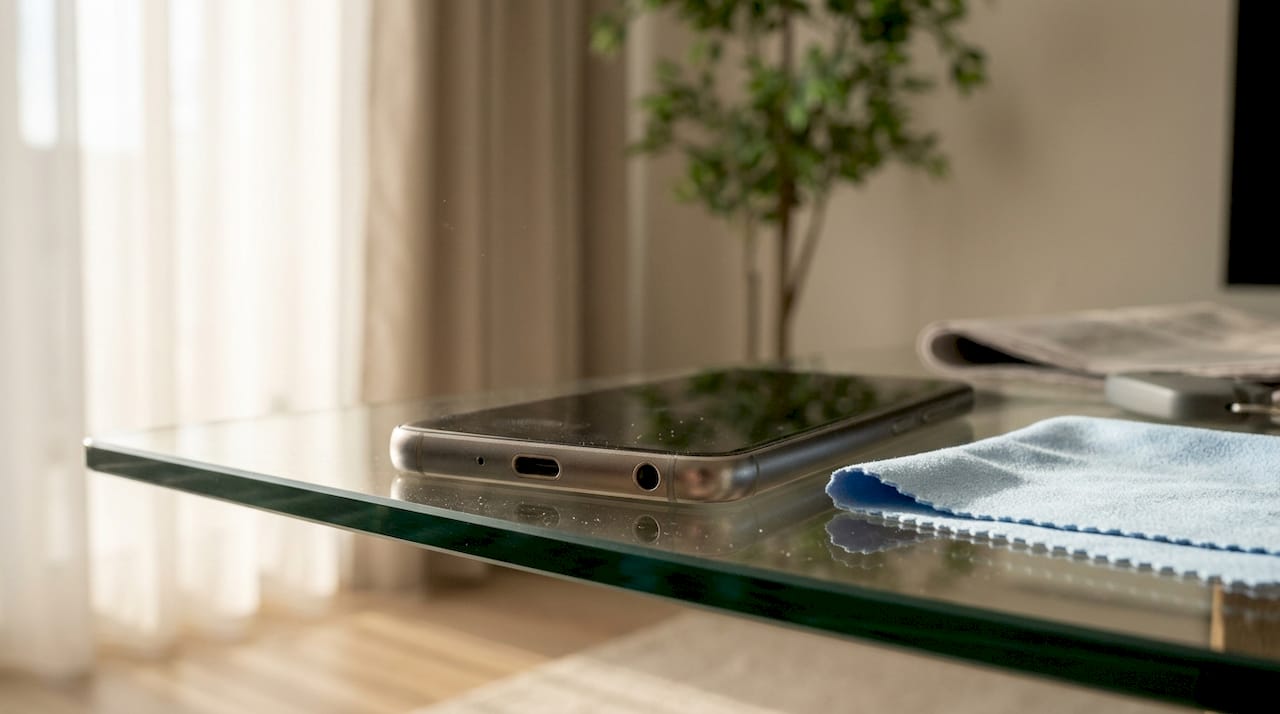
A phone headphone port, technically known as a 3.5mm audio jack, is the small socket that carries analogue audio signals between your phone and wired headphones. When it fails, you lose sound, get crackling, or your phone behaves as though headphones are permanently connected. Phone headphone port repair covers everything from a quick clean and software reset to a full jack replacement by a professional technician. Most problems are fixable without spending a penny on parts, provided you work through the right steps in the right order.
How to diagnose your phone’s headphone port problem
The single most important step before any repair is testing your headphones on a different device. Professionals consistently advise this because it immediately tells you whether the fault lies with the headphones or the port itself. If your headphones work fine on another phone or laptop, the problem is almost certainly your phone’s port or its software.
Once you have ruled out the headphones, look at the symptoms carefully. They point to very different causes.
No sound at all: The port may have a blocked detection pin, a software routing error, or a broken solder joint.
Crackling or cutting out: Crackling often signals oxidation or a poor mechanical fit inside the jack. It can also mean a fractured solder joint that shifts with cable movement.
Phone thinks headphones are always plugged in: This is called a “Ghost Headphone” issue. Debris is compressing the detection pin, tricking the phone into thinking a plug is inserted.
One side silent: This usually points to a wiring fault in the headphone cable itself, not the port.
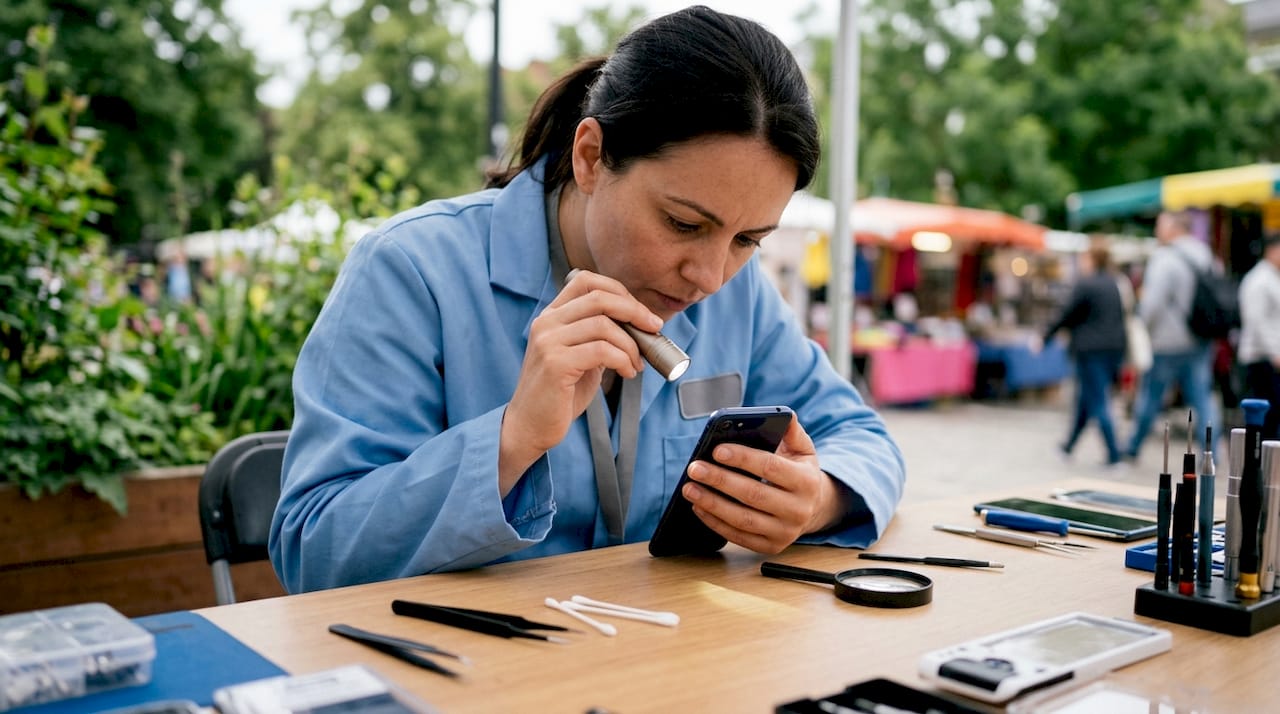
Shine a torch into the port and look for visible lint, grit, or moisture. A cracked internal solder joint causes audio to cut out depending on cable angle, and diagnosing this accurately requires a multimeter to measure continuity. That level of testing is beyond most home repairs, but the visual check alone will tell you a great deal.
Pro Tip: Plug the headphone jack in slowly and rotate it slightly. If sound appears and disappears with movement, you almost certainly have a solder joint fracture or oxidation inside the port, not a software issue.
How to clean your headphone port safely
Most headphone jack failures come from debris build-up, and a thorough clean resolves the problem in under two minutes. The key is using the right tools and avoiding anything that could cause further damage.
What you need:
A can of compressed air
Wooden or plastic toothpicks (never metal)
Cotton buds with the tip trimmed to fit the port
Isopropyl alcohol (90% or above) for stubborn residue
Step-by-step cleaning process:
Power off your phone completely before you start.
Hold the phone with the port facing downward and give it two or three short bursts of compressed air. This dislodges loose lint without pushing it deeper.
Take a wooden toothpick and gently sweep around the inside walls of the port in a circular motion. Do not jab straight in. You are trying to hook debris out, not compact it.
If residue remains, lightly dampen the tip of a trimmed cotton bud with isopropyl alcohol and insert it carefully. Twist once or twice, then remove.
Allow the port to dry for at least five minutes before powering the phone back on.
Test with your headphones. If sound is clear and the Ghost Headphone issue has gone, the clean worked.
Using conductive metal tools to clean the port can permanently damage it, so never use a pin, paperclip, or metal skewer. The detection pin inside the jack is fragile, and a single slip with a metal object can bend or break it beyond repair.
Pro Tip: If you do not have compressed air, a clean rubber bulb blower (the type used for camera lenses) works well and gives you more control over airflow direction.
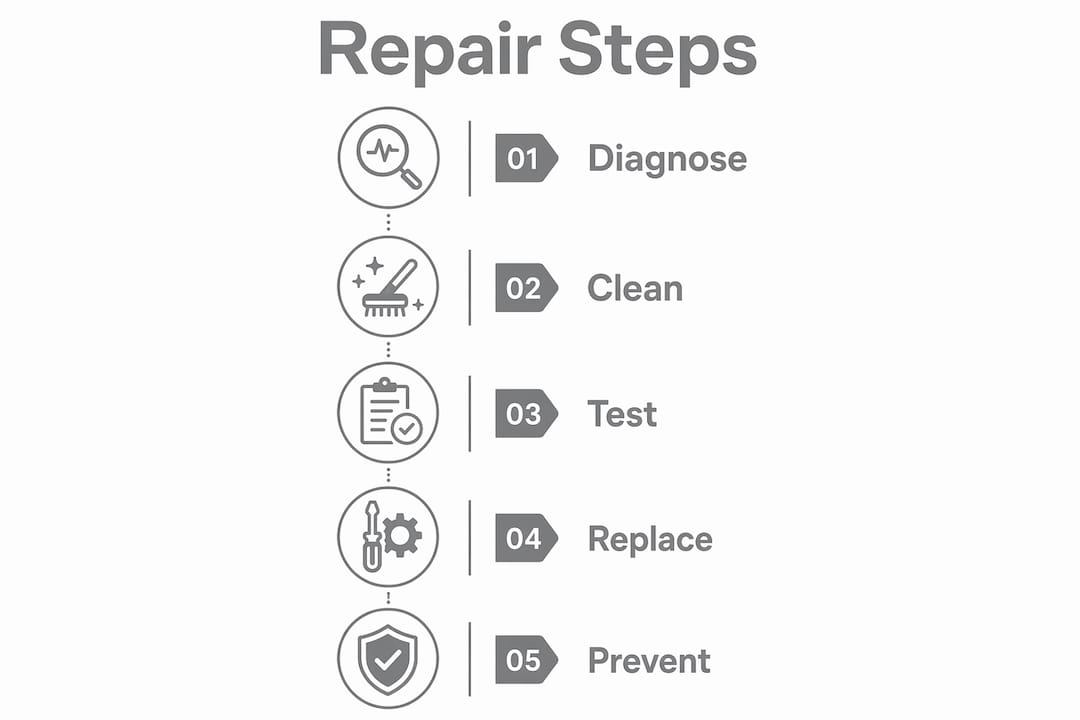
Software and settings fixes that restore audio
Software conflicts cause a surprising number of audio port problems on smartphones. Before you conclude the hardware is broken, work through these checks.
Restart your phone. A simple restart clears audio routing errors that build up during normal use. Many Ghost Headphone issues disappear after a reboot.
Check audio output settings. On both Android and iOS, pull up the audio output panel and confirm the phone is set to route sound through the wired headphones, not a Bluetooth device. A previously paired Bluetooth speaker can silently steal the audio signal.
Disable USB Audio Routing on Android. On Android devices, the ‘Disable USB Audio Routing’ toggle in Developer Options must be set to OFF for external headphones to be recognised correctly after security updates. Go to Settings > Developer Options and check this setting.
Clear the audio app cache. On Android, go to Settings > Apps, find your music or media app, and clear its cache. A corrupted cache can cause the app to misread the audio output state.
Check for software updates. Audio driver bugs are occasionally introduced in OS updates and then patched in the next release. Installing the latest update can resolve recognition failures that appeared out of nowhere.
Reset all settings. If nothing else works, resetting all settings (not a factory reset) on iOS or Android restores audio defaults without deleting your data.
Bluetooth device conflicts are a particularly common culprit. Your phone may remember a previously connected speaker and attempt to route audio there even when wired headphones are plugged in. Forgetting all Bluetooth devices temporarily is a quick way to test whether this is the cause.
When should you get professional repair for your headphone port?
Some faults cannot be fixed at home, and attempting them without the right tools makes things worse. The signs below indicate you need a professional.
The plug feels loose or wobbly when inserted
Audio cuts in and out based on how you hold the cable
The port shows visible physical damage or bent internal pins
Cleaning and software resets have not resolved the issue
The phone no longer detects headphones at all after a drop
Modern sealed phone designs make DIY headphone jack repairs genuinely risky, because opening the device without the correct tools can tear delicate internal ribbon cables. The headphone jack is soldered directly to the motherboard or a separate daughterboard, and mechanical stress from frequent use causes solder joint fractures that require precise resoldering or a full component swap.
What professional repair involves
A technician will typically follow one of three approaches depending on the fault:
Repair type | What it involves | Typical scenario |
Jack cleaning and reflow | Cleaning the port and resoldering existing joints | Intermittent audio, crackling |
Daughterboard replacement | Swapping the board the jack is mounted on | Physical damage, broken pins |
Motherboard-level repair | Micro-soldering directly on the main board | No daughterboard available |
Professional headphone jack replacement typically costs between £30 and £65 depending on the phone model and the complexity of the repair. You can find a breakdown of repair costs by phone model to set realistic expectations before you book. Most professional repairs are completed within the same day.
Back up your data before handing your phone to any repair shop. Check whether your device is still under manufacturer warranty, as some repairs may be covered at no cost.
How to prevent headphone port problems in future
Prevention is straightforward once you know what causes port damage. The main culprits are lint, moisture, and mechanical stress from cables.
Always remove headphones by the plug, not the cable. Pulling on the cable puts lateral stress on the solder joints inside the port, which eventually causes fractures.
Store your phone in a lint-free pocket or case. Trouser pockets are the biggest source of debris that blocks detection pins.
Keep the port dry. Even light moisture exposure causes corrosion inside the jack, which creates electrical resistance and intermittent sound. If your phone gets wet, let it dry fully before using wired headphones.
Use a port cover or dust plug. Small silicone plugs designed for 3.5mm ports cost very little and block debris when you are not using the jack.
Choose compatible accessories. Using adapters or plugs that do not fit the port correctly puts unnecessary force on the internal pins. Stick to accessories designed for your phone model.
Pro Tip: A gentle clean with compressed air every few months keeps the detection pin free and prevents the Ghost Headphone issue from developing in the first place. Thirty seconds of maintenance saves hours of troubleshooting.
Key takeaways
Successful smartphone audio port repair depends on diagnosing the root cause first, because most faults are either debris or software, not hardware failure.
Point | Details |
Test headphones first | Plug your headphones into another device before assuming the port is faulty. |
Clean before repairing | Debris causes most port failures; a two-minute clean often resolves the issue completely. |
Check software settings | Bluetooth conflicts and Developer Options settings cause many wired audio recognition failures on Android. |
Know when to go professional | Loose ports, physical damage, and persistent faults after cleaning all require expert repair. |
Prevent with simple habits | Removing plugs correctly and keeping the port dry prevents the most common causes of port damage. |
What I have learned from repairing hundreds of headphone ports
The most common mistake I see is people skipping straight to hardware conclusions. A customer brings in a phone convinced the port is broken, and nine times out of ten, a two-minute clean or a single settings change fixes it entirely. The Ghost Headphone issue is a perfect example. It looks like a hardware fault because the phone behaves strangely, but it is almost always a piece of lint sitting on the detection pin.
The second mistake is using the wrong cleaning tools. I have seen ports arrive at the workshop with bent detection pins caused by someone using a metal pin to dig out debris. That turns a £0 fix into a £50 repair. Wooden toothpicks and compressed air are genuinely all you need for the vast majority of cases.
Modern phone design does make things harder than it used to be. Phones with sealed bodies and non-modular components mean that even a simple jack replacement now involves careful disassembly and the risk of damaging ribbon cables. The repair vs replacement decision is worth thinking through if your phone is older and the repair cost approaches the device’s current value.
My honest advice is this: always rule out software and debris before touching the hardware. If you have cleaned the port properly and checked every software setting and the problem persists, that is the moment to book a professional repair. Attempting to solder or open a modern phone without the right equipment and experience will almost always make things worse.
— Joshua
Rapidrepairsldn: professional phone audio port repairs in London
If you have worked through the diagnostics and cleaning steps and your phone’s audio port still is not working, the fault is almost certainly a hardware issue that needs a trained technician.
Rapidrepairsldn specialises in consumer electronics repairs including iPhone audio port repairs and a full range of smartphone fixes. The team uses professional-grade tools for micro-soldering and component replacement, so your phone is in safe hands. Repairs are typically completed the same day, pricing is transparent, and your data stays secure throughout the process. Visit Rapidrepairsldn in Finchley or book online to get your audio working again without delay.
FAQ
Why does my phone think headphones are always plugged in?
This is the Ghost Headphone issue, caused by debris pressing on the detection pin inside the port. Cleaning the port with compressed air and a wooden toothpick usually resolves it within minutes.
Can I fix a headphone jack myself without opening the phone?
Yes, for most common faults. Cleaning the port and adjusting software settings can be done without opening the device. Physical damage to the jack itself requires professional repair.
How much does professional headphone jack repair cost?
Professional replacement typically costs between £30 and £65 depending on the phone model and repair complexity. Most repairs are completed the same day.
Why does my audio crackle when I move the headphone cable?
Crackling linked to cable movement indicates oxidation or a fractured solder joint inside the port. This type of fault requires professional diagnosis with a multimeter and is unlikely to improve with cleaning alone.
Should I check software settings before taking my phone in for repair?
Yes. Ruling out software issues before physical repairs protects your warranty and avoids unnecessary costs. Check Bluetooth conflicts, Developer Options on Android, and audio output settings first.
Recommended
Comments